Insight
Holistic reporting and decision-support system that turns analysis into strategic action. Role-based dashboards, professional reports, and client self-service panels give every stakeholder the view they need.
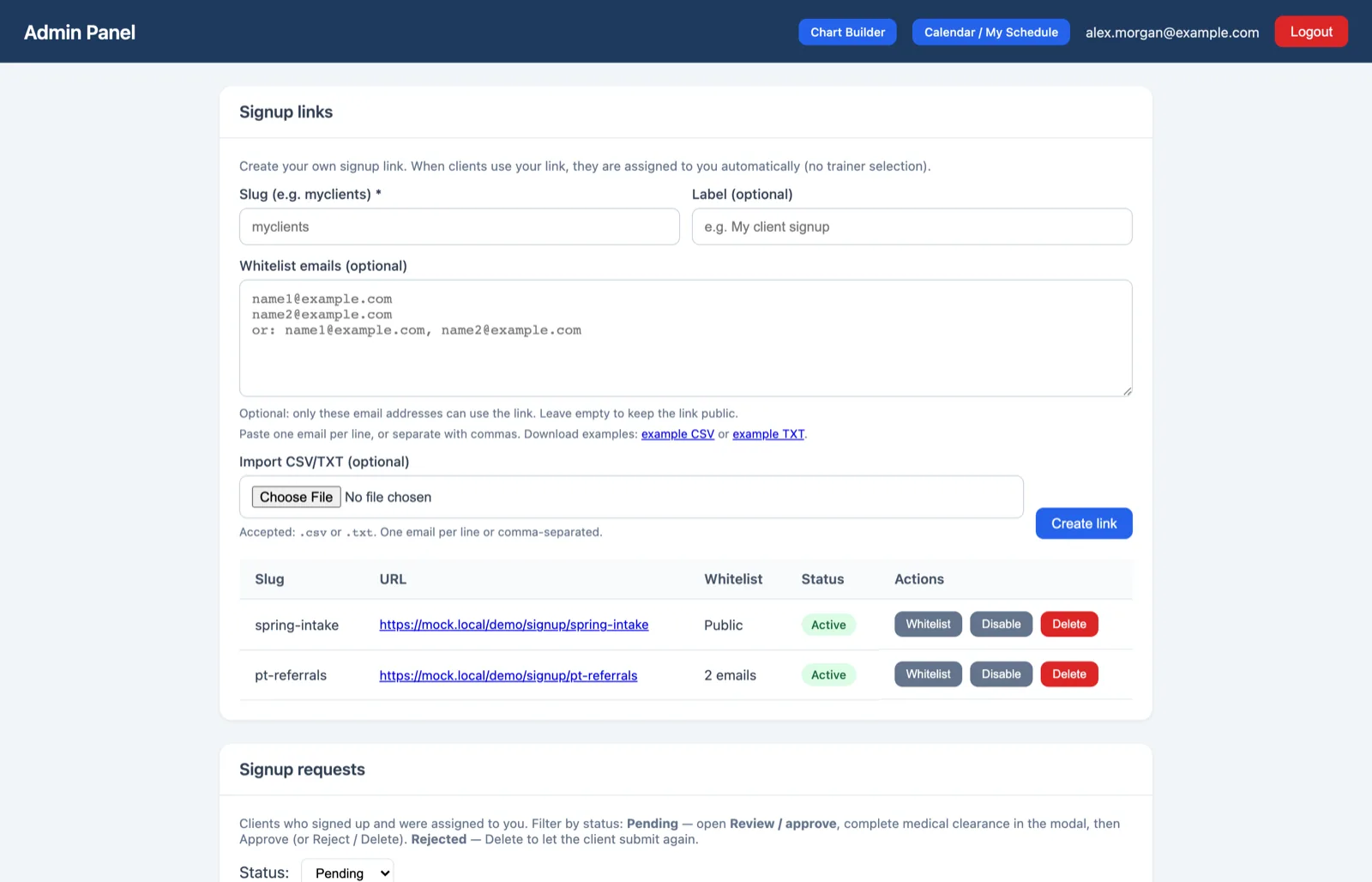
Role-based dashboards for staff, admins, and clients
Organization and multi-branch management
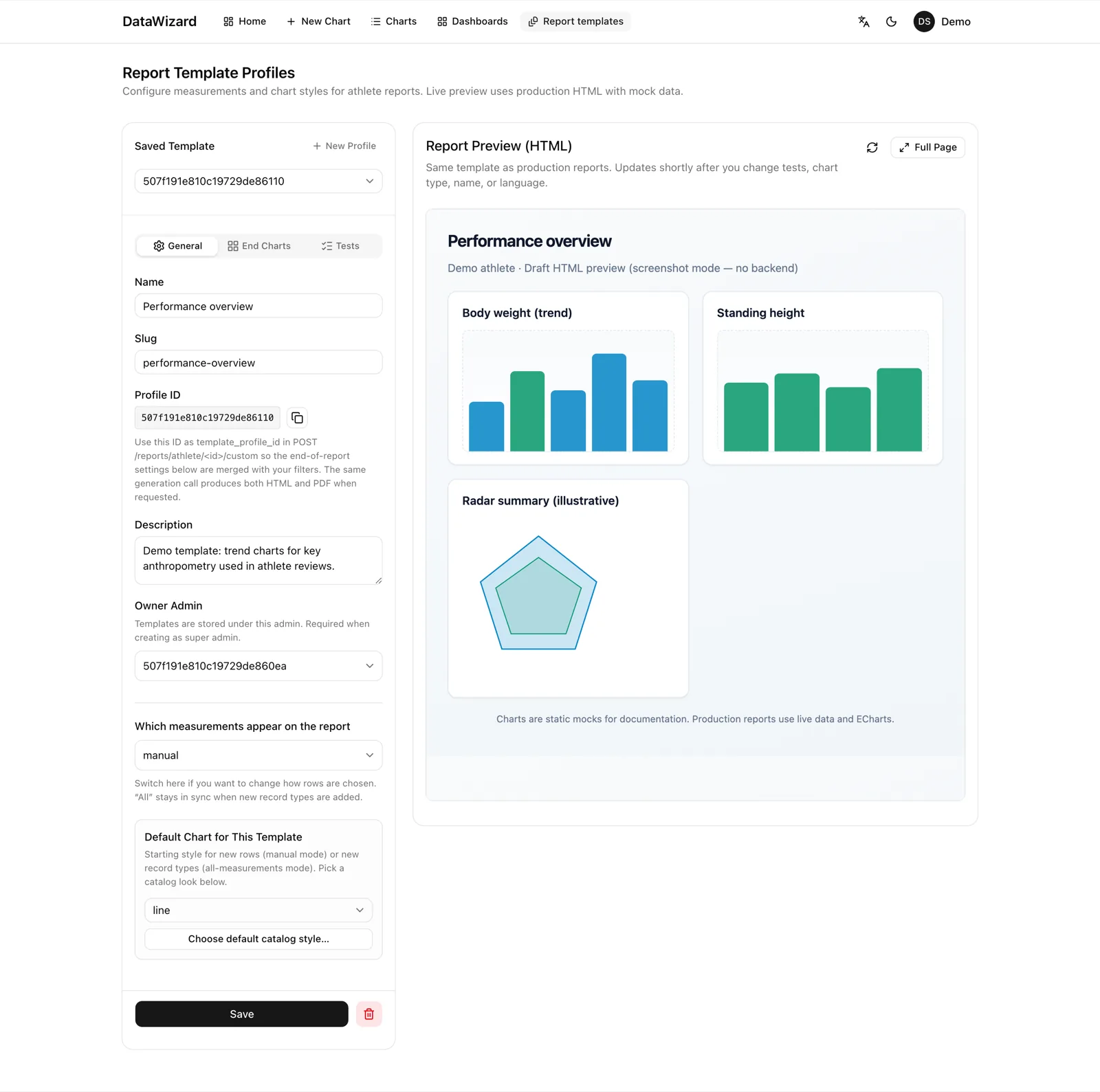
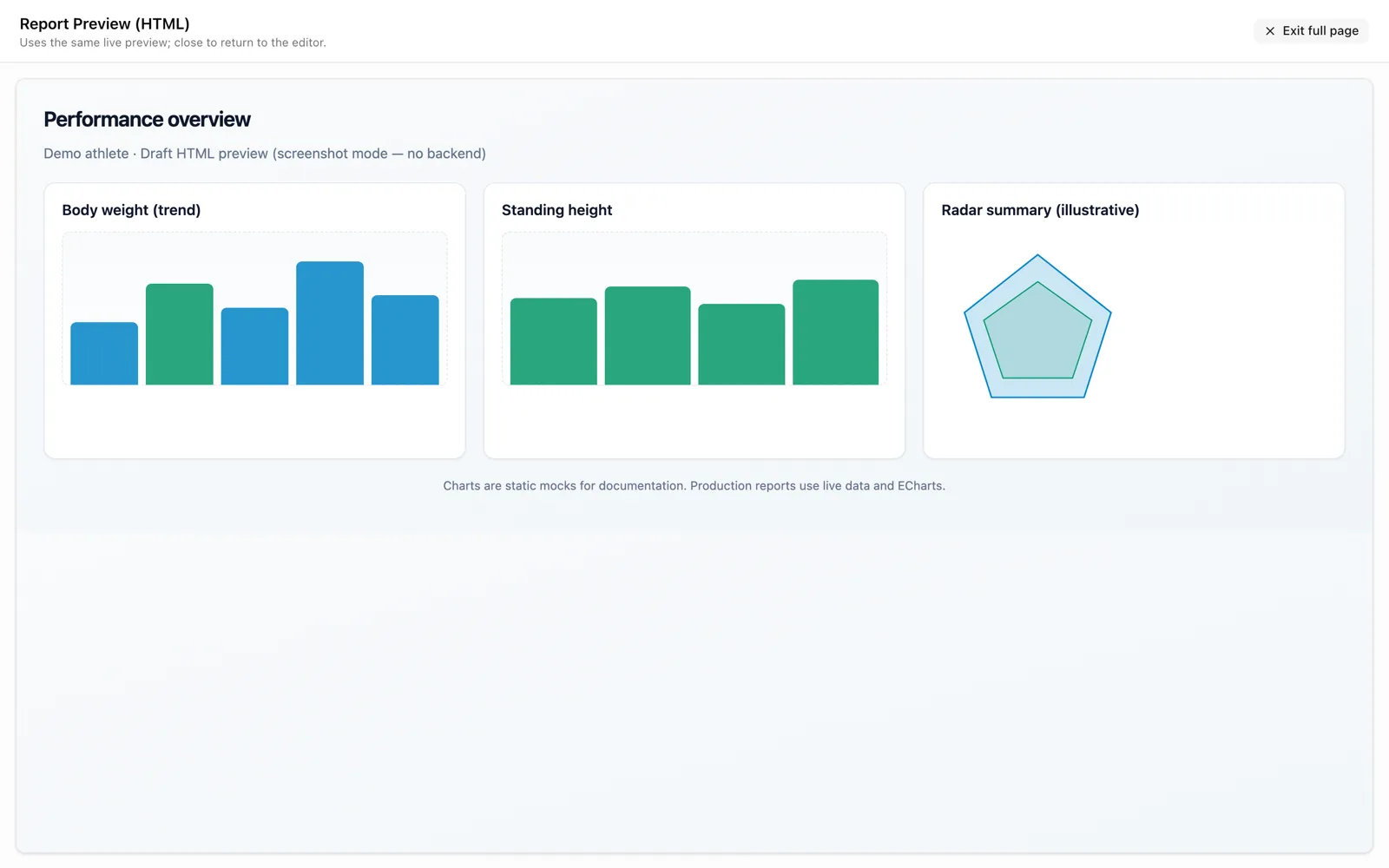
Professional PDF and interactive report generation
Client profile management with longitudinal tracking
Calendar scheduling and session management
Data export and research integration tools
Role-based model
Distinguish your organization’s roles from vendor/platform roles when evaluating access and governance.
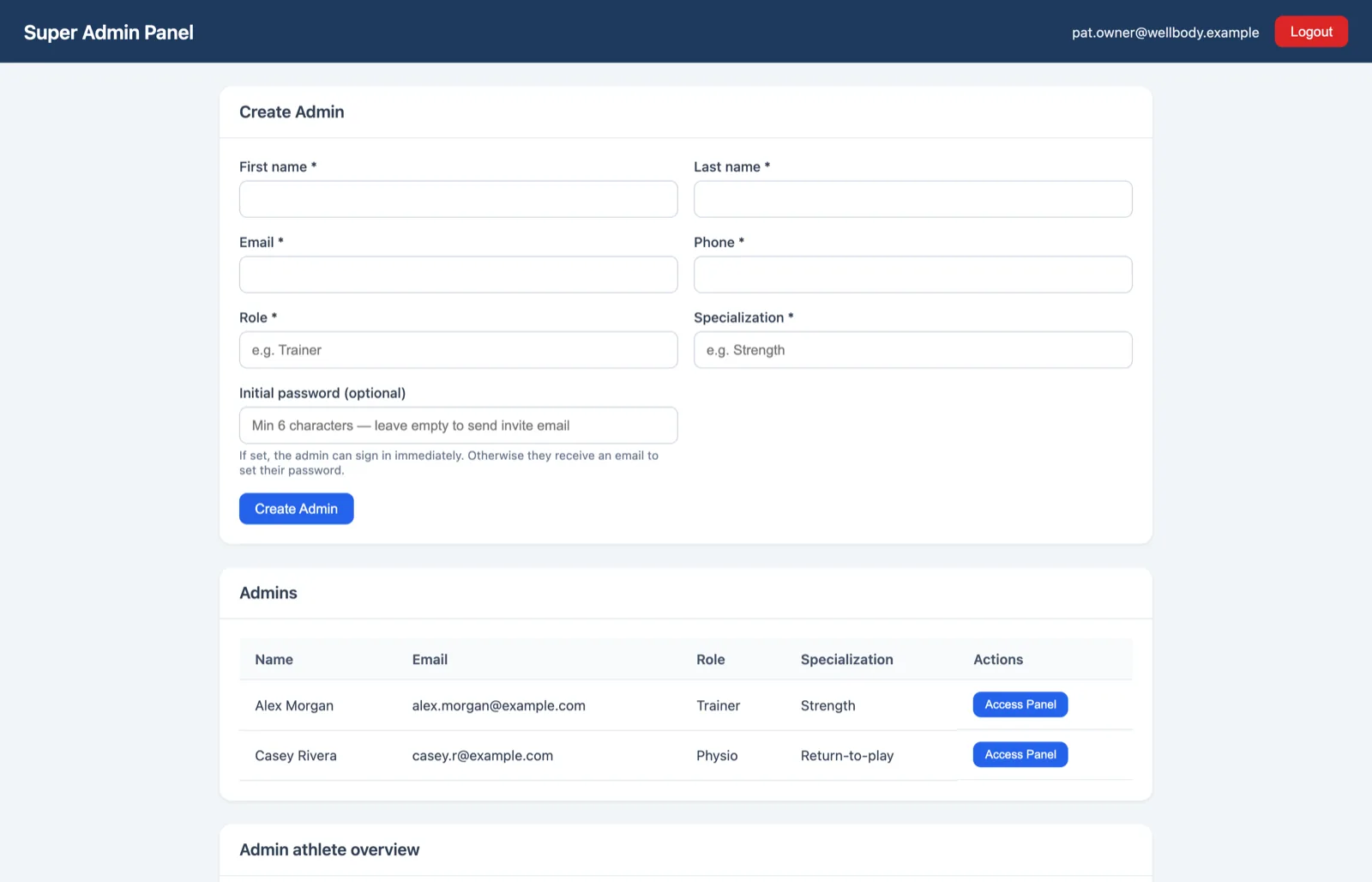
System Admin (platform operator)
Vendor / hosting operations
- Creates Portal Admins and Super Admins; operates system admin dashboard and module subscription tooling.
- Assigns module subscriptions (which product package each organization may use).
Portal Admin (configuration operator)
Product / professional services
- Maintains global application configuration: tests, formulas, scoring, images, and module catalog versioning.
- Works in the configuration portal with development vs production workflows, history, and comparison.
Super Admin (organization lead)
Your tenant owner
- Represents the organization; manages linked staff and organization signup links.
- Inherits module entitlements assigned by the System Admin (filtered allowed tests, including grace-period behavior when configured).
Admin (staff / coach)
Day-to-day delivery
- Manages clients, groups, test bundles, notes, availability, appointments, and signup approvals.
- Uses the staff web panel; optional PIN flows where enabled; receives staff notifications.
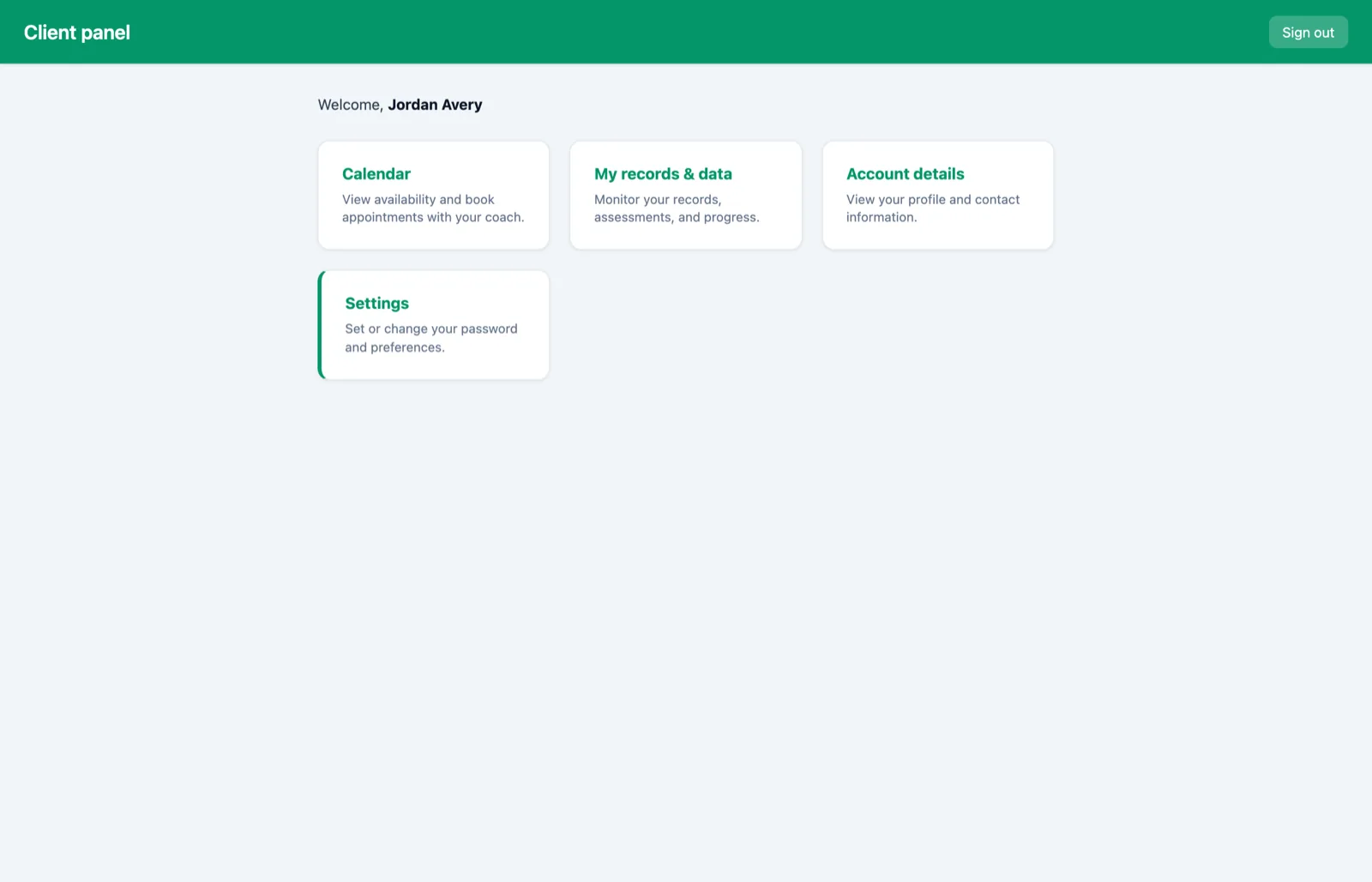
Client (athlete)
Self-service
- Client web panel: home, calendar, records, account, and settings (including password after OTP sign-in).
- Books and cancels appointments within API rules; signs in with password or email OTP.
End-to-end workflows
Representative flows from intake to visibility—condensed from product documentation.
- 1
New client via organization signup link
Prospect completes org link + OTP → signup request → staff approves or rejects → client ready for groups, bundles, and scheduling.
- 2
Self-registration (pending enable)
Prospect submits data without staff login → pending record and confirmation → staff completes activation → record becomes active.
- 3
Day-to-day operations
Staff set availability → client books → assessments and records accumulate → notes, groups, bundles, and search at scale.
- 4
Jump & movement analysis
Force data uploaded for a supported jump type → results stored and (for CMJ) visualization for the viewer where applicable → staff share viewer link or PDF; optional email distribution.
- 5
Reporting deliverables
Generate complete, custom, or template-driven reports → hand off HTML/PDF/SVG as enabled; summary PDF retention is time-limited per API documentation (distinct from long-lived athlete report storage).
- 6
Organization visibility
DataWizard charts and dashboards → optional sharing; query scope follows role (organization lead vs staff) as documented.
Outputs & reporting
Tangible artifacts organizations and clients receive—per documented product behavior.
- HTML athlete report (shareable URL when stored as part of report persistence).
- PDF athlete report; may include QR linking to HTML.
- SVG export where enabled in report flows.
- Client summary HTML; summary PDF with short documented retention window for cleanup.
- Per-athlete list of generated reports (metadata and URLs) so organizations retain a history of deliverables.
- Jump test interactive viewer and related PDF; balance / CoP viewer by test ID.
- Email distribution of links/attachments where SMTP is configured.
- Chart/dashboard views via DataWizard APIs; static SVG generation exists for some report integrations.
Business value
- Reusable bundles, templates, approvals, and self-service booking reduce coordination overhead.
- OTP sign-in, booking, and polished HTML/PDF outputs match modern client expectations.
- Template profiles, progress visuals, and multi-language summaries support professional delivery.
- Dashboards over core datasources help leaders see trends beyond single-client snapshots.
- Groups, tags, assessments, and optional health fields align operations with structured service models.
- Health checks and formula telemetry support operational reliability conversations.